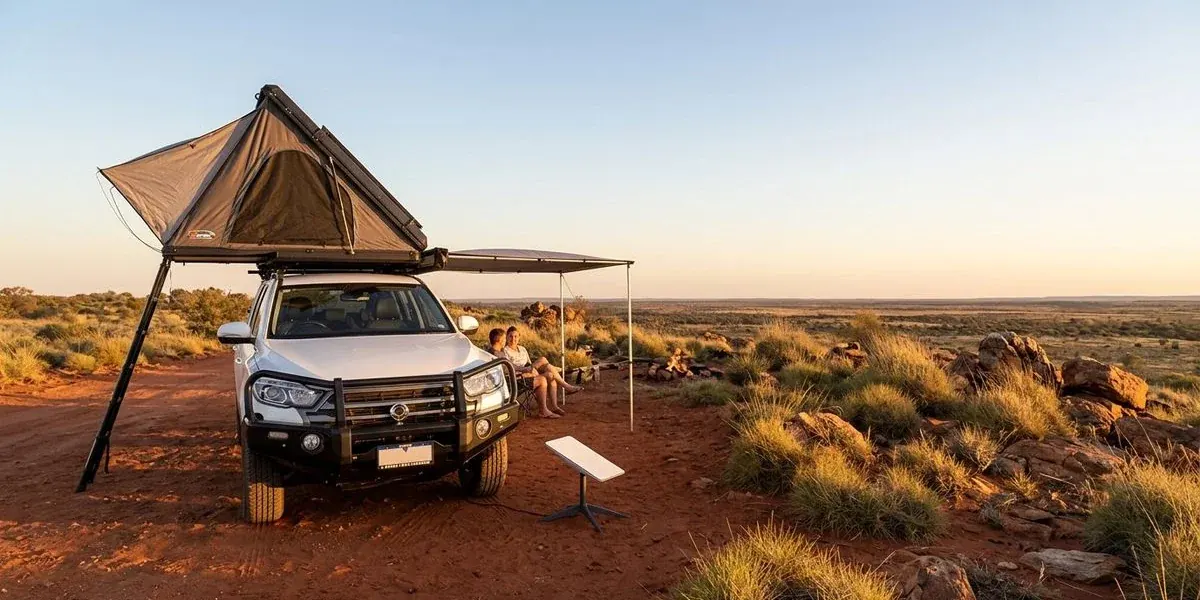
Starlink vs Mobile Hotspot for Camping in WA
Comparing Starlink satellite internet with mobile hotspots for camping in remote WA. Speed, coverage, cost, and reliability tested on real road trips.

Dorian Menard
Founder & Owner
Staying connected in Western Australia used to mean climbing a hill and waving your phone around for a single bar. Satellite gear has changed that. Starlink, specifically the compact Mini, now covers most of the continent, including the remote coastline where mobile towers have never reached.
So should you ditch your mobile hotspot?
Not really. The two do different jobs, and which one suits you comes down to where you are heading and how much power you can spare.
Here is how they stack up after a lot of testing on WA road trips.
Coverage: Where Each Option Actually Works
This is where the two technologies part ways completely.
Mobile hotspots run on the same terrestrial towers as your phone. Telstra holds the largest regional footprint in WA, covering about 2.7 million square kilometres, but that coverage clusters around towns and major highways. Turn off the bitumen and the signal often just disappears.
You also get the “ghost signal” problem. Your device shows one bar of 4G, but nothing loads, because the tower is too far away or too congested to be useful. We run into this constantly along the Coral Coast, in the Karijini gorges, and on the Gibb River Road.
Optus and Vodafone cover far less ground out here. Lean on either for remote touring and you will spend long stretches with no data at all once you are past Perth or a regional hub like Geraldton.
Starlink works off something else entirely: a constellation of satellites orbiting roughly 550 kilometres up. There is no need for any ground infrastructure near your campsite.
All it wants is a clear view of the open sky.
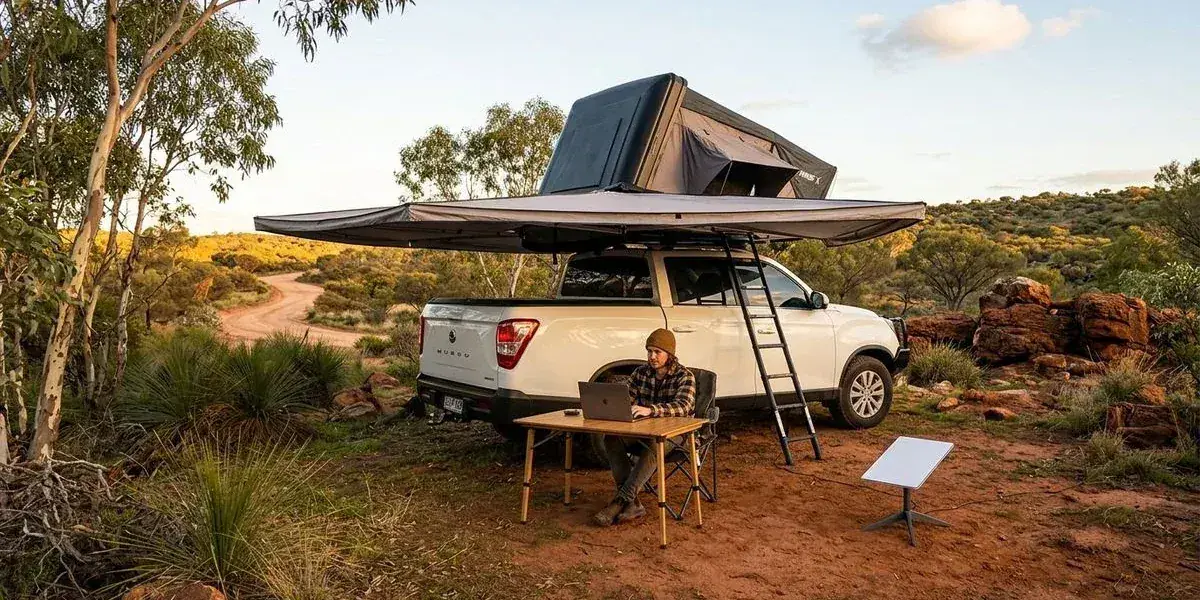
That is why it holds up at Steep Point, deep in the Pilbara, and on isolated beaches where a phone is a paperweight. We have leaned on it hard. It works at the bottom of gorges and on remote stations, as long as no dense trees are sitting between the dish and the sky.
Speed Tests: Real-World Results from WA Locations
Marketing numbers rarely survive contact with the bush. We ran our own speed tests through 2025 to see how each device actually performs at a campsite.
Starlink Mini Speeds
| Location | Download | Upload | Latency (Ping) |
|---|---|---|---|
| Karijini National Park | 85 Mbps | 12 Mbps | 38 ms |
| Coral Bay | 120 Mbps | 18 Mbps | 42 ms |
| Steep Point | 95 Mbps | 14 Mbps | 45 ms |
| Gibb River Road | 60 Mbps | 8 Mbps | 51 ms |
| Francois Peron National Park | 110 Mbps | 15 Mbps | 40 ms |
Telstra Mobile Hotspot Speeds
| Location | Download | Upload | Latency (Ping) |
|---|---|---|---|
| Geraldton (in town) | 45 Mbps | 10 Mbps | 28 ms |
| Coral Bay (fringe coverage) | 3 Mbps | 0.5 Mbps | 150+ ms |
| Karijini National Park | No signal | N/A | N/A |
| Steep Point | No signal | N/A | N/A |
| Perth CBD | 80 Mbps | 25 Mbps | 18 ms |
The split is obvious. In town, mobile hotspots are excellent and often beat Starlink on latency. Get away from the nearest town, though, and only Starlink keeps delivering the same speeds.
Power Requirements
Off-grid, power is everything, and this is where the two diverge again.
Mobile hotspots sip power. A unit like the Netgear Nighthawk M6 pulls roughly 5-8 watts and carries its own battery good for 10-12 hours. Top it up from a USB outlet in the car while you drive and you barely notice it.
Starlink Mini asks a lot more of your battery bank.
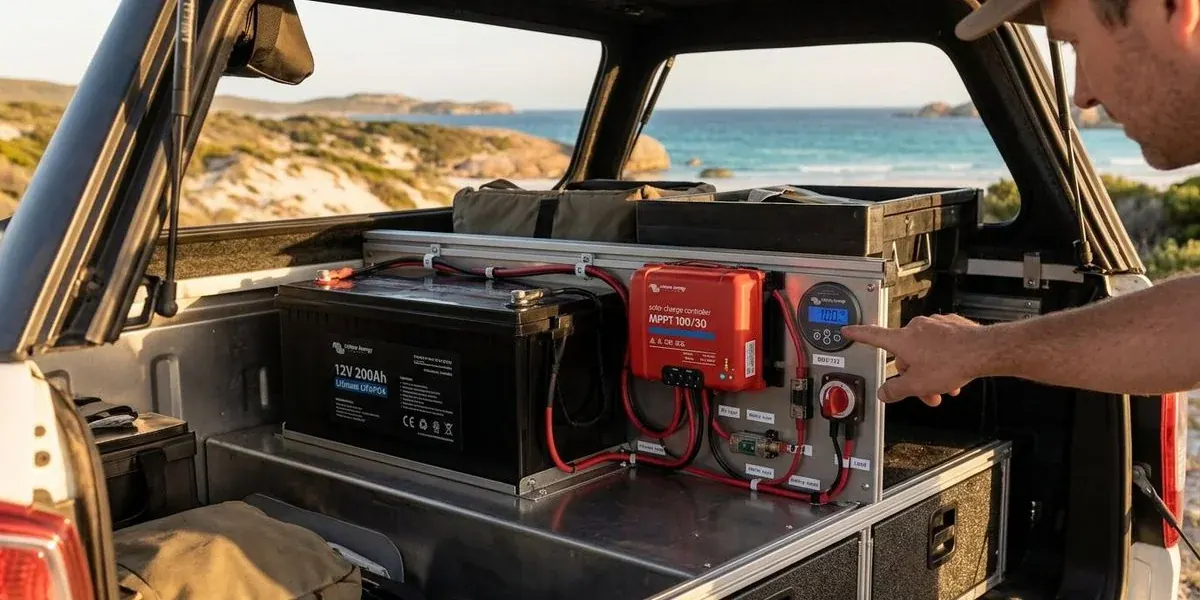
It draws between 25 and 40 watts while it searches and transmits, which works out to roughly 2-3.5 amps per hour on a 12V system.
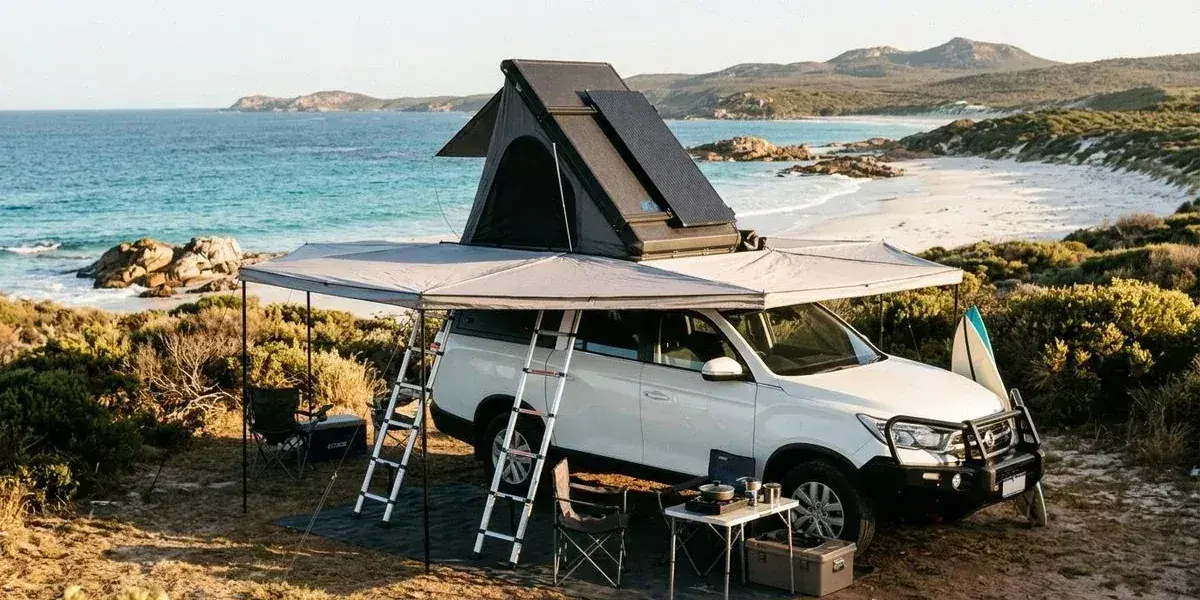
Our KGM OFFGRID Wanderer and Bakkie campers run 300Ah lithium banks with roof-mounted solar, so the Starlink draw is a non-issue. Smaller setups are a different story. Run a standard 100Ah AGM auxiliary battery alongside a fridge, leave Starlink on around the clock, and you will flatten that battery inside a day.
Power saving tip: The Starlink Mini takes USB-C PD. Feed it straight from a 12V USB-C outlet rated for 100W output rather than running it through a 240V inverter. Skipping the inverter saves you about 10-15% in power.
Cost Comparison
There are two costs to weigh up: hardware and data.
Mobile hotspots are cheap to get into. A reliable 4G dongle runs under $100, a high-end 5G unit around $400. Data plans stay flexible too. A Telstra prepaid sim sits around $30 for 35GB or $300 for a long-expiry 180GB plan, and nothing locks you into a contract.
Starlink Mini sits higher up. The hardware retails for $599 AUD, then you add the “Roam” plan at $85 per month for 50GB or $174 for unlimited data.
On a long trip the maths changes. For three weeks through the Kimberley, the daily cost of Starlink is fair once you factor in safety and being reachable where nothing else works. You can also pause the service when you get home, so you are not paying for it between trips.
Rent vs buy: Our campers offer Starlink Mini as an optional add-on, so you can use it for one trip without dropping $600 on hardware you will hardly touch the rest of the year. You pay one Unlimited hire rate, from $179 a week and cheaper the longer you stay, and hand it back.
Setup and Portability
When you are making camp every afternoon, fiddle factor matters.
Mobile hotspots are genuinely plug and play. Switch it on, toss it in the glovebox or on the camper bench, done. No cables to run, no aiming.
Starlink Mini has come a long way on this front.
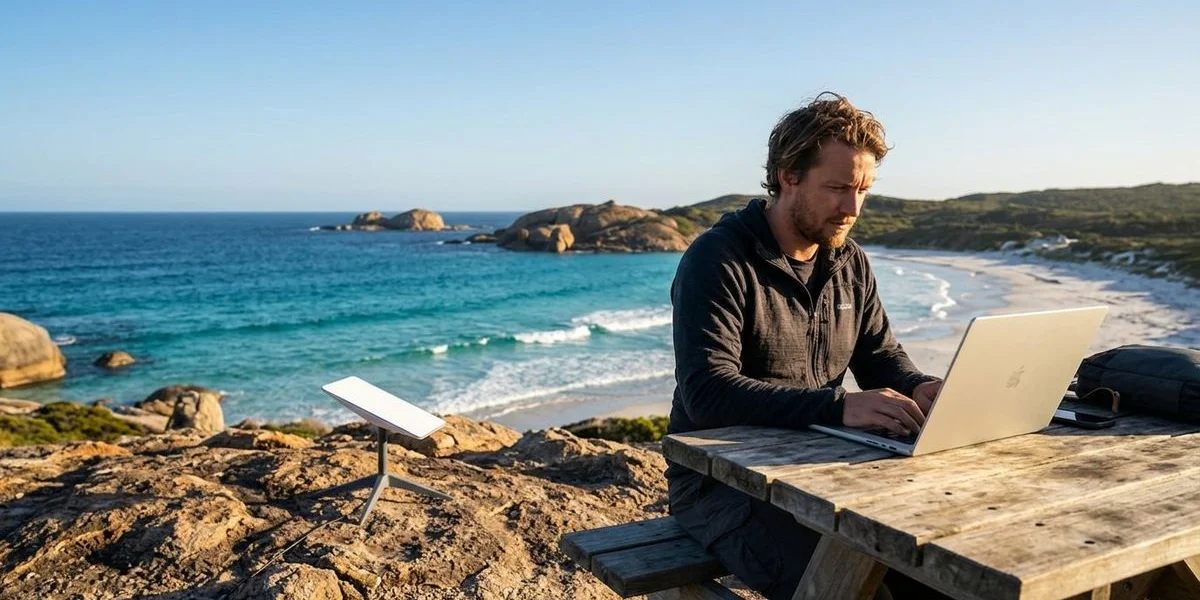
The unit is about the size of a laptop with a built-in kickstand. Sit it on a table or the ground, point it roughly at the southern sky, plug it in. Boot-up takes about 60 seconds.
One thing to watch, obstructions: Satellite dishes hate trees. Camp under a dense canopy of river gums for the shade and your connection will keep dropping. Run a longer cable to push the dish out into a clearing. A mobile hotspot, by contrast, works fine sitting inside the car, though a booster antenna often helps.
When Each Option Makes Sense
It really comes down to where you are headed and what you need to do once you get there.
Choose a Mobile Hotspot if:
- You stick to the tarmac: Your route stays on Highway 1 or in the South West.
- Your power is limited: You have a basic dual-battery system or just a portable power station.
- Budget is priority: You want to spend money on experiences, not data plans.
- Usage is light: You only need to check emails and weather apps occasionally.
Choose Starlink if:
- You are going remote: Your itinerary includes the Gibb River Road, Cape York, or the Gunbarrel Highway.
- Work is non-negotiable: You need to attend Zoom calls or upload large files.
- Safety is a concern: You want Wi-Fi calling capability in emergencies.
- Entertainment matters: You want to stream Netflix or Kayo at the campsite.
- Your power system is ready: You have at least 200Ah of lithium or reliable solar input.
The Bottom Line
Starlink has taken the digital isolation out of outback travel. Through the Pilbara, Kimberley, and Coral Coast, it gives you a level of safety and convenience that mobile networks simply cannot reach.
A mobile hotspot still earns its spot as a backup for coastal hops and south-west tours.
Most of our customers end up choosing the satellite connection for the peace of mind alone. Planning a remote WA run? Ask us about adding a Starlink Mini to your camper booking. We make sure it is updated, tested, and ready to connect the moment you pull out of our Cloverdale depot.
Ready to Start Your Adventure?
Premium 4WD campers from $160/day. Depot pickup in Cloverdale, 5 minutes from Perth Airport.
Check Availability