Working Remotely on a WA Road Trip with Starlink
How to work remotely from your 4WD camper in WA. Starlink speeds, coverage, power requirements, and practical tips for digital nomads on the road.

Dorian Menard
Founder & Owner
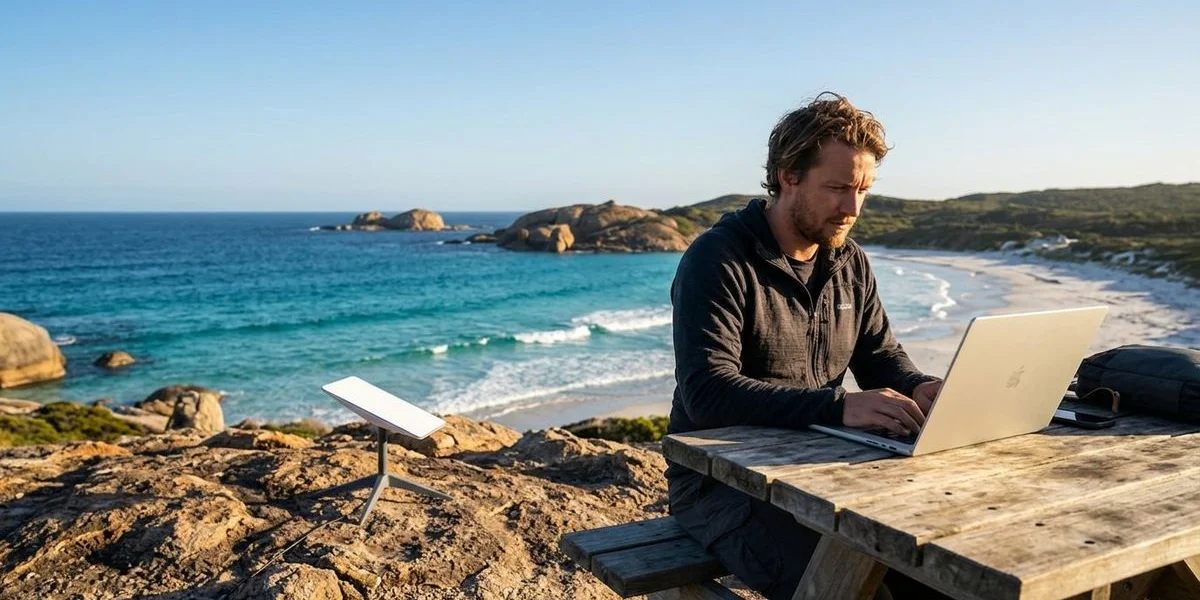
A few years ago, clocking in from a campsite overlooking the Indian Ocean felt like a gamble you’d probably lose. Not anymore.
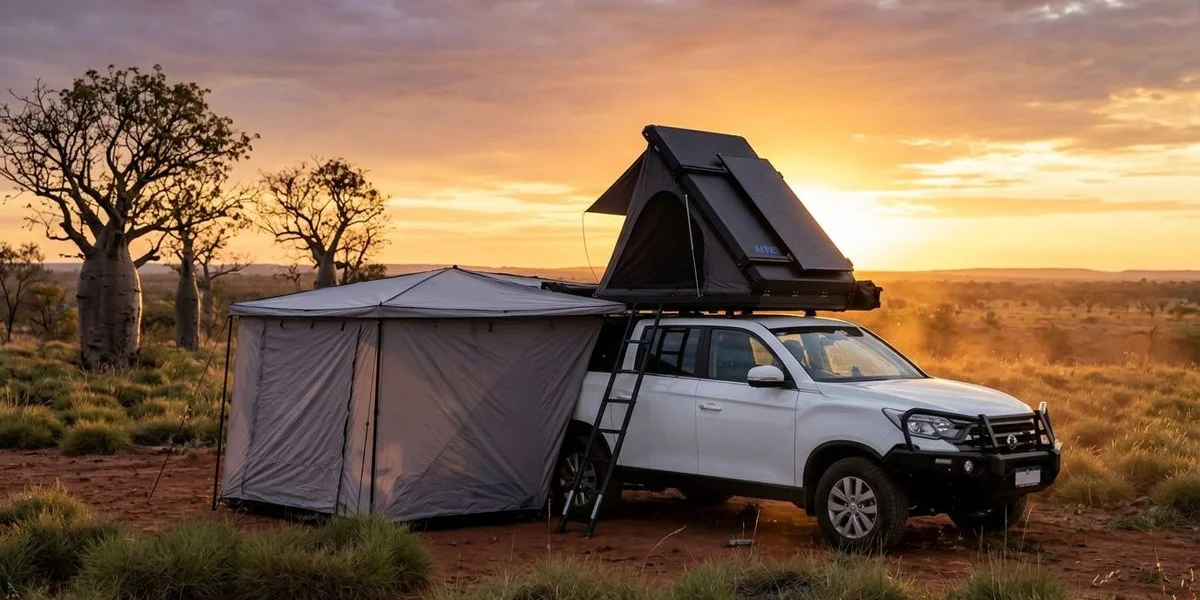
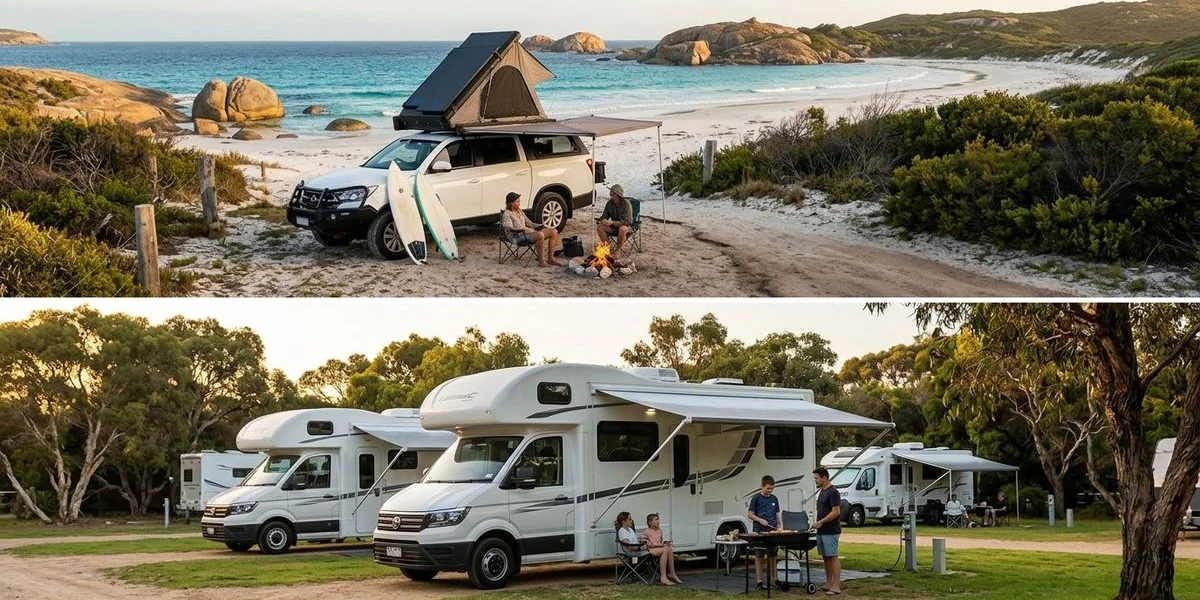
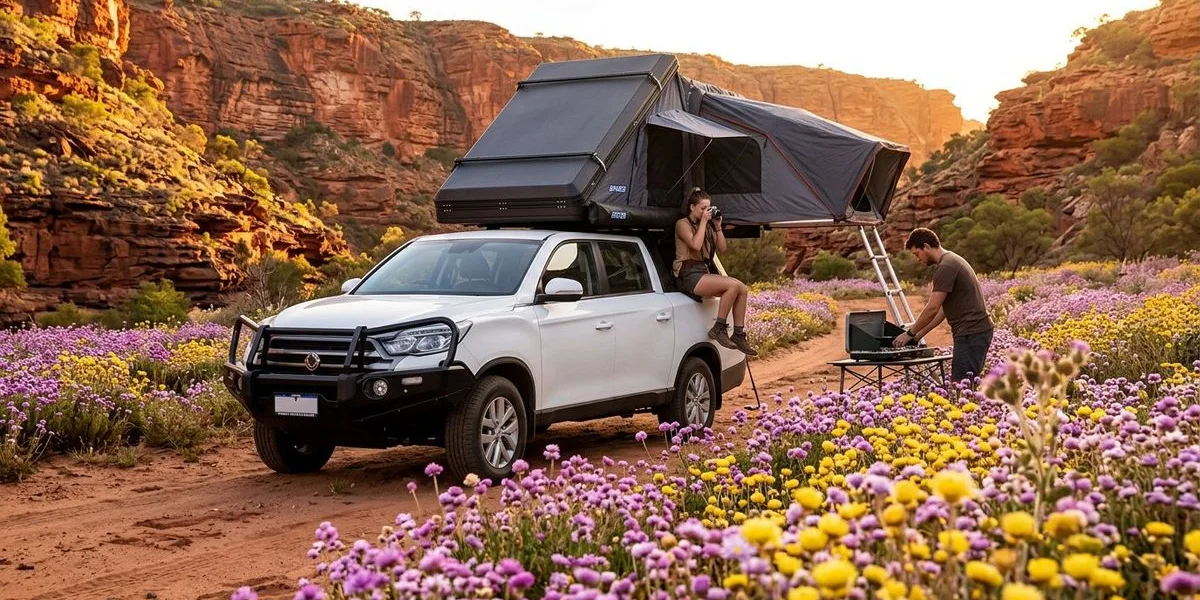
We’ve been hiring Starlink units alongside our 4WD campers for a while now, and the question from remote workers has flipped. It used to be “is this even possible?” Now it’s “why didn’t I do this sooner?” The Gen 3 hardware and the more flexible roaming plans changed the maths completely.
Here’s the thing we’ve learned watching people do it: the dish is the easy part, and our 4WD campers do the rest. The trips that work come down to power management, route planning, and knowing where the dead zones still are. Below is the hardware you actually need, the real-world speeds, and the stuff nobody warns you about.
What Is Starlink and How Does It Work?
Starlink is SpaceX’s satellite internet service, and it works nothing like the slow, laggy satellite tech you might remember. Instead of leaning on a handful of massive geostationary satellites, it uses a “constellation” of thousands of low-orbit ones. That’s a mesh network with high speeds and, the part that actually matters for work, low latency. You can run Zoom calls, get into cloud servers like AWS or Xero, and use a remote desktop without the lag that used to make you want to throw the laptop in the ocean.
The Hardware: Gen 3 vs. Mini
Most travellers end up with the Standard Gen 3 Kit. It uses a simple kickstand (no moving motors to fail), it’s tougher than the older versions, and it slots into a packed 4WD without much fuss.
If you’re counting every gram, the Starlink Mini is the other option. It’s laptop-sized, has a built-in router, and runs off USB-C power. The catch is a slightly lower top speed and a narrower field of view, which you’ll feel in wooded areas where it needs to find more open sky.
The Plans: What You Actually Need
Choosing the right plan is where many people overspend.
Roam 100GB (~$80/month) This is the sweet spot for most remote workers. You get 100GB of high-speed data, which is plenty for emails, Slack, and video calls. If you hit the cap, you aren’t cut off; you are just throttled to slower speeds (around 1 Mbps), which is still enough for basic messaging.
Roam Unlimited (~$165/month) If you’re shifting big video files, or two of you are working full-time on heavy data, this is the safer bet. Pay the extra and stop watching the meter.
Mobile Priority Skip this one unless you genuinely need it offshore on the water, or you’ve got enterprise needs that can’t tolerate a single dropout. For a road trip it’s money down the drain.
Standby Mode (~$8.50/month) This is the quiet winner for anyone who travels in bursts. Keep the hardware active for a few dollars a month between trips, then switch on a full data plan only for the weeks you’re actually out there.
Real-World Speeds in WA
Marketing numbers are one thing. Out in the bush, what you actually get comes down to obstructions and how far north you are. Here’s what we and our customers have consistently measured across Western Australia in 2025/2026:
| Location | Typical Download | Typical Upload | Latency | Obstruction Risk |
|---|---|---|---|---|
| Perth Metro | 150-250 Mbps | 15-25 Mbps | 20-35 ms | Low |
| Coral Coast (Exmouth) | 100-200 Mbps | 10-20 Mbps | 30-50 ms | Low (Open Skies) |
| South West (Forests) | 80-180 Mbps | 10-18 Mbps | 25-45 ms | High (Tall Karri Trees) |
| Esperance Coast | 90-160 Mbps | 8-15 Mbps | 30-55 ms | Moderate |
| Remote Inland | 50-120 Mbps | 5-12 Mbps | 35-60 ms | Low |
For context, a high-quality Zoom call needs about 4 Mbps down and 3 Mbps up.
Starlink comfortably exceeds this, provided you have a clear view of the sky.
The Critical “Radio Quiet Zone” Warning
There’s one big hole in Starlink coverage in WA that almost nobody mentions, and it catches people out.
The Murchison Radio-astronomy Observatory sits inside a strict “Radio Quiet Zone” that protects the ASKAP radio telescope. Drive through the Murchison region (roughly between Mullewa and Meekatharra) and your Starlink shuts itself down to avoid interfering with the telescope. It’s not a glitch, it’s by design. Don’t book a client meeting for a day your route runs through that inland corridor.
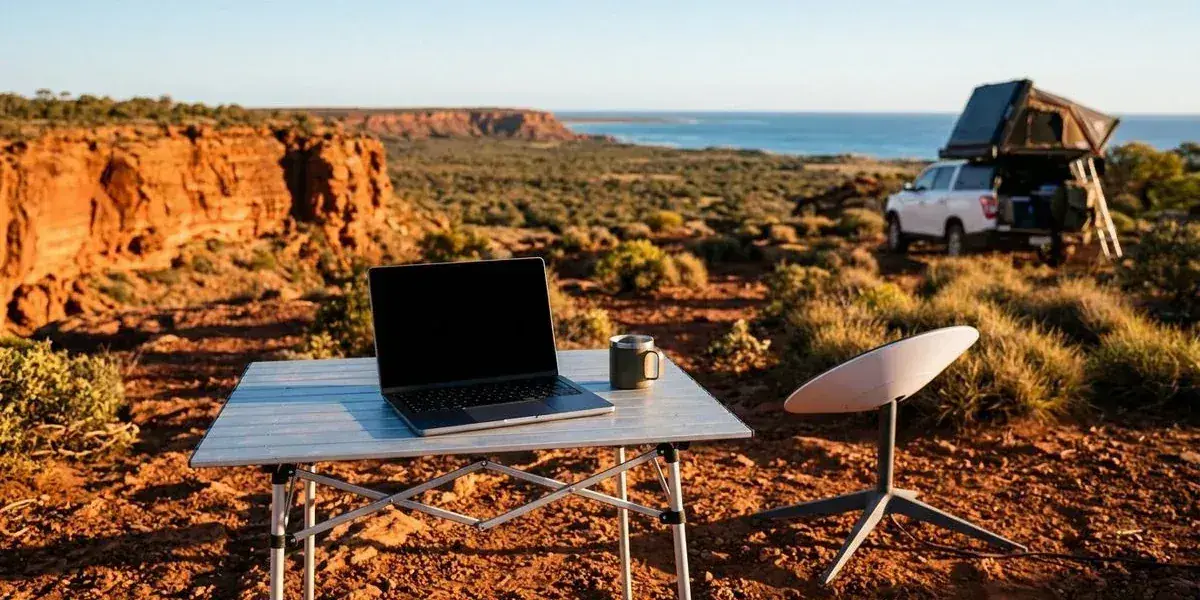
Setting Up Your Mobile Office
Making remote work last from a 4WD camper takes more than internet. You need a setup that doesn’t wreck your back or your head by day three.
The Physical Setup
Camp table and chair Your camper comes with these, but test the height at home before you leave. If you’ll be sitting for four hours or more, throw in a small lumbar cushion.
Laptop stand or books Staring down at a laptop for eight hours is a fast track to a migraine. Get the screen up to eye level with a collapsible stand, or just a stack of books.
Shade management The Gen 3 dish has a wider field of view (110 degrees), so it needs to see more sky than the older models did. Here’s the trick: park the vehicle in shade to keep your fridge and your body cool, then run the long 15m Starlink cable to put the dish out in the full sun where it has clear sky.
External peripherals Once your laptop is up on a stand, a compact bluetooth keyboard and mouse stop being optional.
Power Management: The 12V Pro Tip
If you read one section of this article, make it this one.
Working from a camper draws a lot more power than just camping, and inverter loss is the quiet drain that catches everyone. The standard way of wiring it plugs the Starlink AC router into an inverter (which turns your 12V battery power into 240V AC), and then the Starlink power brick turns it straight back into DC. That double conversion throws away roughly 20-30% of your power as heat for no good reason.
The Solution: 12V DC Conversion Run Starlink off a native 12V power supply instead, either if you’re handy enough to set it up or, easier, by hiring a vehicle that already has one fitted. Going direct off 12V drops the draw from around 70-90W to about 30-50W, which is a huge difference over a full work day.
Daily power budget (Standard 240V Setup vs. 12V Efficient Setup):
| Device | Standard (Inverter) Usage | 12V Direct Usage |
|---|---|---|
| Starlink (8 hours) | ~45-55 Ah | ~25-30 Ah |
| Laptop (8 hours) | ~25 Ah | ~20 Ah (via USB-C) |
| Fridge & Lights | ~20 Ah | ~20 Ah |
| Total Daily Draw | ~90-100 Ah | ~65-70 Ah |
A 300Ah lithium system handles the 12V setup easily, several days at a time. Run the standard inverter method instead and you’ll most likely have to drive every day, or carry serious solar, just to keep up. Our OFFGRID Wanderer comes with a 300Ah lithium system built for exactly these loads.
Structuring Your Work Day Around the Trip
The people who pull this off well don’t try to bolt a 9-to-5 office day onto a road trip. They bend the day around where they are instead.
Morning Work Block (6:00 AM - 11:00 AM)
WA mornings are calm and quiet, before the heat and the wind arrive. The “Fremantle Doctor” (the strong afternoon sea breeze) hasn’t kicked in yet, so an outdoor setup is actually pleasant. Get your heavy lifting and video calls done now, while the camp is still and the dish has nothing to fight.
Midday Break (11:00 AM - 2:00 PM)
The sun is brutal through this window, and laptop screens go unreadable even under an awning. Use it to drive to your next spot, swim, or just get off the screen for a while.
Afternoon Wrap-Up (2:00 PM - 4:00 PM)
Knock over the admin and emails once you’ve settled into the new camp. By 4:00 PM the laptop should be shut, so you can catch the golden hour and get the campfire going.
Time Zone Advantage
If you’re working with colleagues in eastern Australia (AEST/AEDT), you are 2-3 hours “behind.”
This means you can start at 6:00 AM WA time (which is 8:00 or 9:00 AM in Sydney/Melbourne) and finish your full day by 2:00 PM local time.
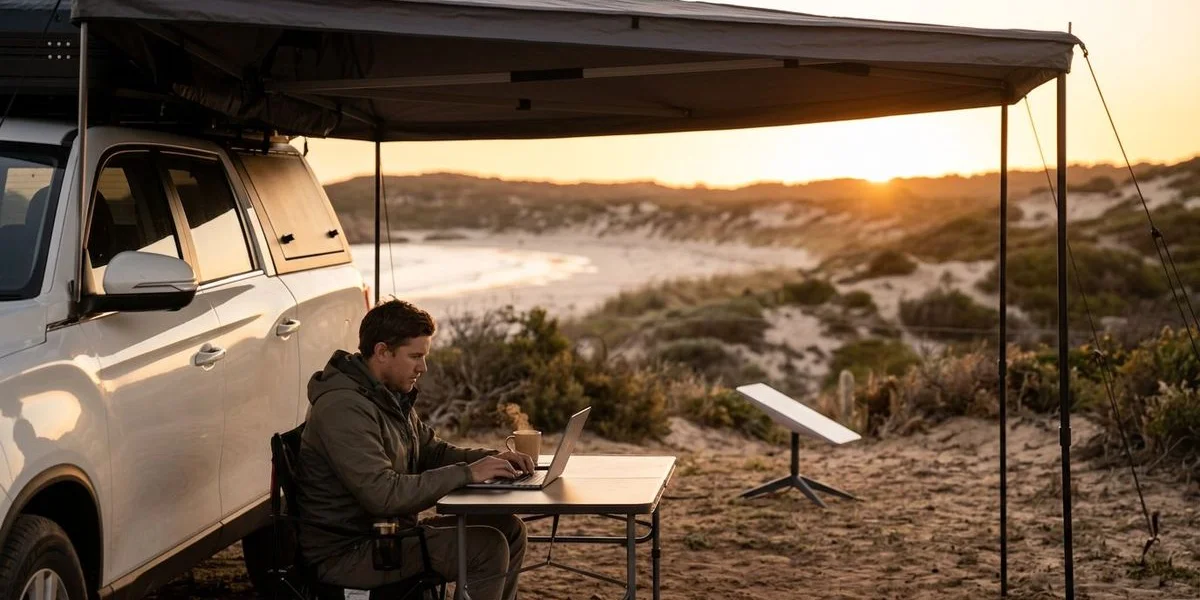
Video Call Tips from the Bush
Video calls from a campsite work fine, but your colleagues don’t need to hear every gust come through.
- Software Isolation: Turn on “Voice Isolation” in your Zoom or Teams settings. It does a surprisingly good job of stripping out wind and bird noise.
- The Headset Rule: A cheap pair of earbuds with a mic beats your laptop’s built-in mic, which picks up every echo off the awning.
- Camera Position: A good backdrop is a nice flex, but keep the sun behind the camera, not behind you, or you’ll show up as a silhouette.
- The Backup Plan: Starlink drops are rare, but they can happen during a satellite handover. If you’re near a town, have phone tethering ready to take over.
Choosing the Right WA Route for Remote Work
Some WA routes are made for remote work. Others will fight you the whole way.
Recommended Routes for Remote Workers
The Coral Coast (Geraldton to Exmouth) The best route there is for Starlink, thanks to the wide-open skies.
- Pros: Barely any tree cover means no obstructions, and all that sun is great for solar charging.
- Camps: Osprey Bay (Ningaloo) is hard to beat, but cell signal is poor, so Starlink isn’t a luxury there, it’s the only option. Wooramel River Retreat is another good one with plenty of space.
The South West Coast Lovely country, but trickier to work from.
- Pros: Cooler weather and shorter drives.
- Cons: The big Karri and Tingle trees are Starlink kryptonite.
- Tip: Stick to cleared sites like Big Valley Campsite (Margaret River) or Parry Beach (Denmark), where you can find an open patch away from the canopy.
Esperance & The Great Ocean Drive
- Pros: Beaches like Lucky Bay, where you can answer emails with kangaroos on the sand a few metres away.
- Cons: It gets seriously windy. You may need to weigh the Starlink kickstand down with sandbags to keep it steady.
Routes That Challenge Remote Work
The Gibb River Road While possible, the rough corrugations are tough on electronic gear.
- Warning: You must pack your Starlink in a padded, dust-proof case (like a Pelican case) or the vibrations will destroy it.
The Murchison Inland As mentioned, the Radio Quiet Zone will leave you offline for hundreds of kilometres.
Making It Work Long-Term
The longest remote-work trip we’ve supported ran six weeks: a couple working full-time the whole way from Perth to Exmouth and back. They pulled it off by treating driving days as non-work days, full stop.
When you’ve got a real deadline, stay put for 48 hours. Trying to put in a full work day and drive 400km is how a trip turns into a slog instead of an adventure.
Use town stops to your advantage too. When you roll into somewhere like Exmouth, duck into the Exmouth Community Centre or a local library to batch-download big files or run system updates, and save your Starlink data for back at camp.
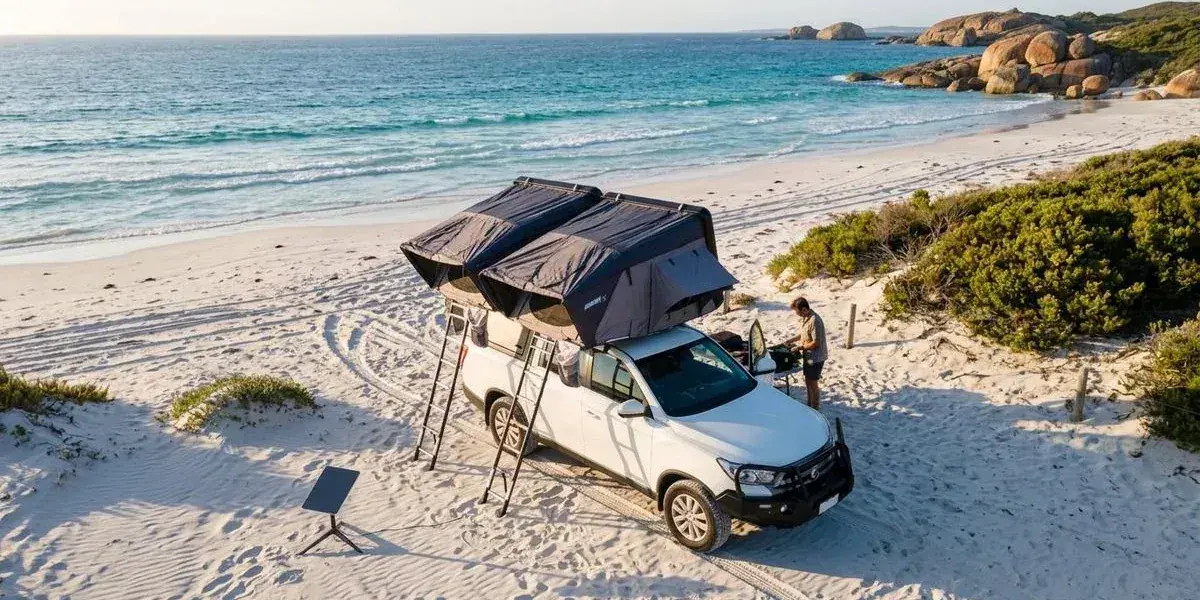
Getting Started
If you’re thinking about mixing work with a WA road trip, start with a shakedown run. Book a camper with Starlink for four days somewhere close, like Jurien Bay. Work one of those days, watch how the power system copes with your laptop, and tweak the setup before you commit to anything longer.
Most people find that once they get past the idea that they “need” an office, the freedom is hard to give up.
We offer Starlink as a hire add-on on one Unlimited plan, no data caps, from $179 a week and cheaper the longer you stay out. Get in touch and we’ll work out which setup matches how you work.
Ready to Start Your Adventure?
Premium 4WD campers from $160/day. Depot pickup in Cloverdale, 5 minutes from Perth Airport.
Check Availability